

Downloadable Checklist: Road-Trip Connectivity + Document Pack (Slides/PDF)

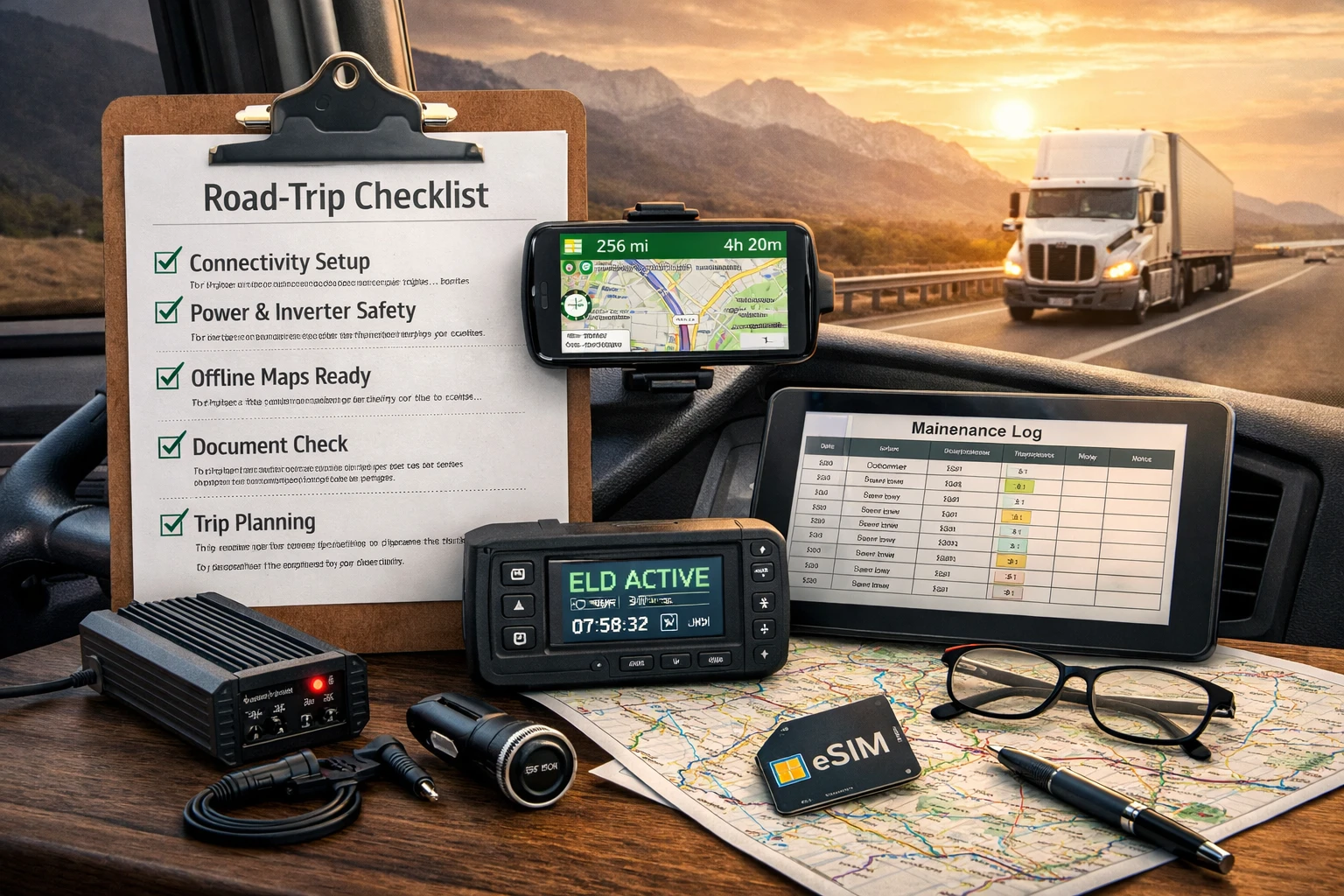
Truck driving in modern times is more than just horsepower and distance traveled. Connectivity, power management, and document control are vital parts of professional driving. Just like a mechanical issue, a weak signal, a dead phone, or a missing doc can completely derail an otherwise smooth trip.
In this article, we introduce the checklist of downloadable documents and the document pack which are designed for the subject of real-life truck driving. It deals with road trip connectivity, safe power use inside the truck cab, and a practical document system that works both online and offline. The aim is not to give more tools but to take away the doubt and problems on the way.
The Significance of Road-Trip Connectivity as a Driving Skill
Truck drivers are often found in places where connectivity is naturally iffy. The freight lines run through cities, highways, mountain areas, and industrial areas where the signals are strong and weak all the time. Dispatcher communication, the new navigation configuration, ELD synchronization, and the documents’ retrieval must be done with a good internet connection.
Reliability in road trip connectivity primarily depends on the proper configuration. The plan is to fix the potential problems that might appear. Most drivers do not depend on the data or the phone alone but instead set the redundancy at the beginning. A checklist structure for trucking can come here into the picture-not as a strict routine, but as a preparation frame of reference.
Connectivity on the Road: More of a Catch-22 than a Signal Bar Issue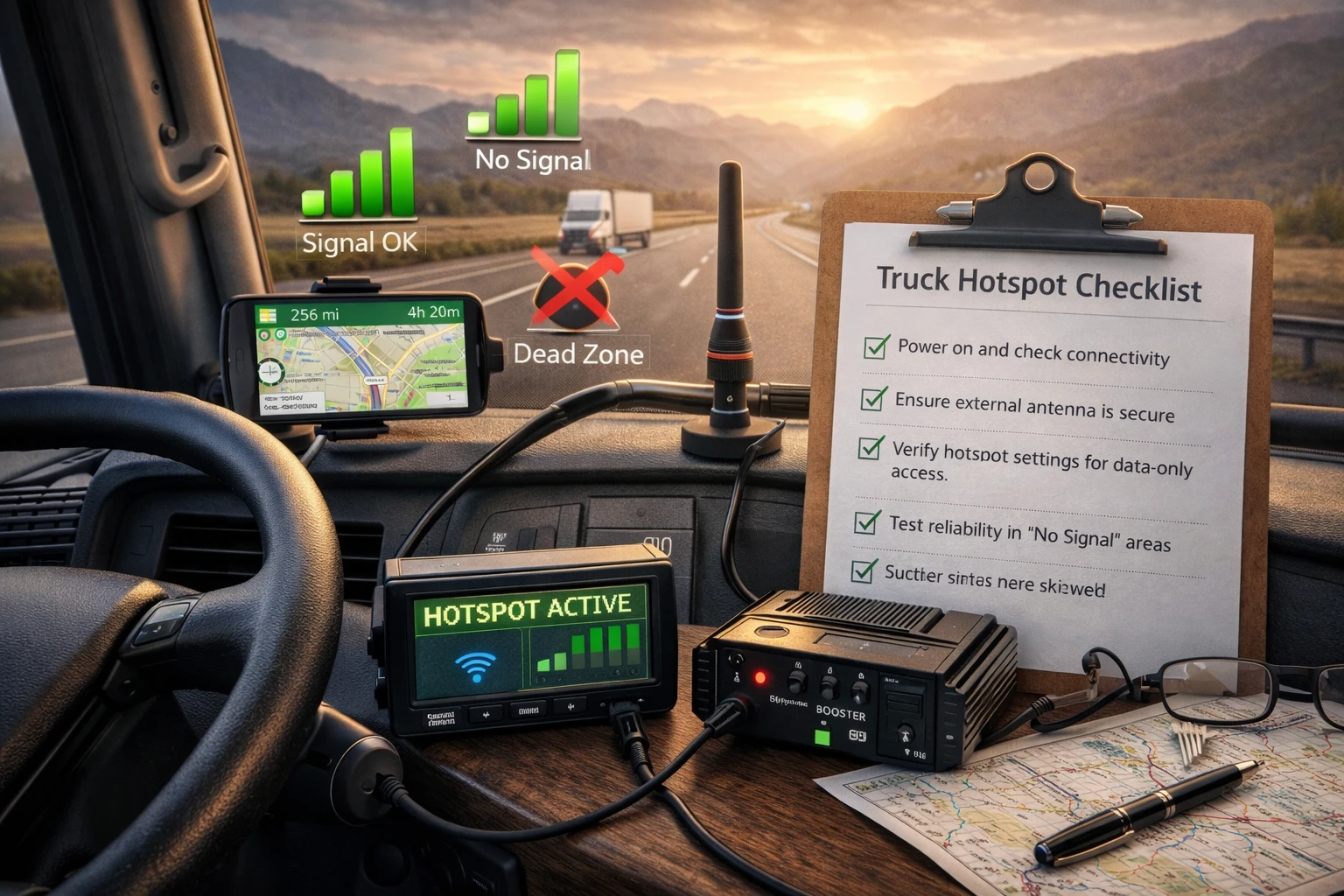
Things become a bit tricky when we talk about connectivity. It is often seen simply as coverage, but analyses reveal that it is hardware, network flexibility, and power availability that cab drivers need all at once. A lot of drivers find out that the problem is not with the signal but that their system is not able to recognize the changes in conditions. A properly positioned phone mount helps keep navigation and communication visible at a glance, reducing the need to handle devices while driving.
The true hotspot has a dedicated connection mostly running through an external antenna. In that respect, it is logical to include the hotspot checklist in the downloadable pack. It helps the drivers figure out if their devices are able to keep data access without phone signal only.
At the same time, the need for good planning connectivity does not, and should not, include high expectations. No equipment on the planet can neutralize dead zones. That is the reason why offline systems work just as well as online ones.
eSIM vs SIM: Giving Up the Old Habit for Freedom
The direct comparison between eSIM vs SIM is growing in relevance within truck driving. Although conventional SIM cards are still in good shape, they are subject to a single carrier that only a physical swap can dismantle. eSIM, on the other hand, allows a driver power to change carriers without replacing the hardware, which is a real plus when intersections are not covered evenly across the territory.
eSIM vs SIM for Truck Drivers
| Aspect | eSIM | Physical SIM |
| Carrier switching | Instant | Manual |
| Backup use | Strong | Moderate |
| Setup speed | Fast | Slower |
| Device support | Newer phones | All phones |
Preferring the addition of both elements: eSIM for flexibility and physical SIM for falling back is what most drivers find.
Signal Boosters: Useful But Not a Miracle
Signal boosters most of the time are a misunderstood term. They are not creating a new signal; rather they are amplifying the weak signals that exist already. When you install them properly, they may help to stabilize such areas of fringe coverage effectively, but they should not be treated as the primary planning measure you make.
Using boosters strategically within an integrated system like a hotspot, external antenna, and offline navigation is their most effective usage. Instead of treating them as a solution, they are much better spent as a facilitator in managing the connection dependability.
Power Inside the Truck Cab: Where Carelessness Can Be Expensive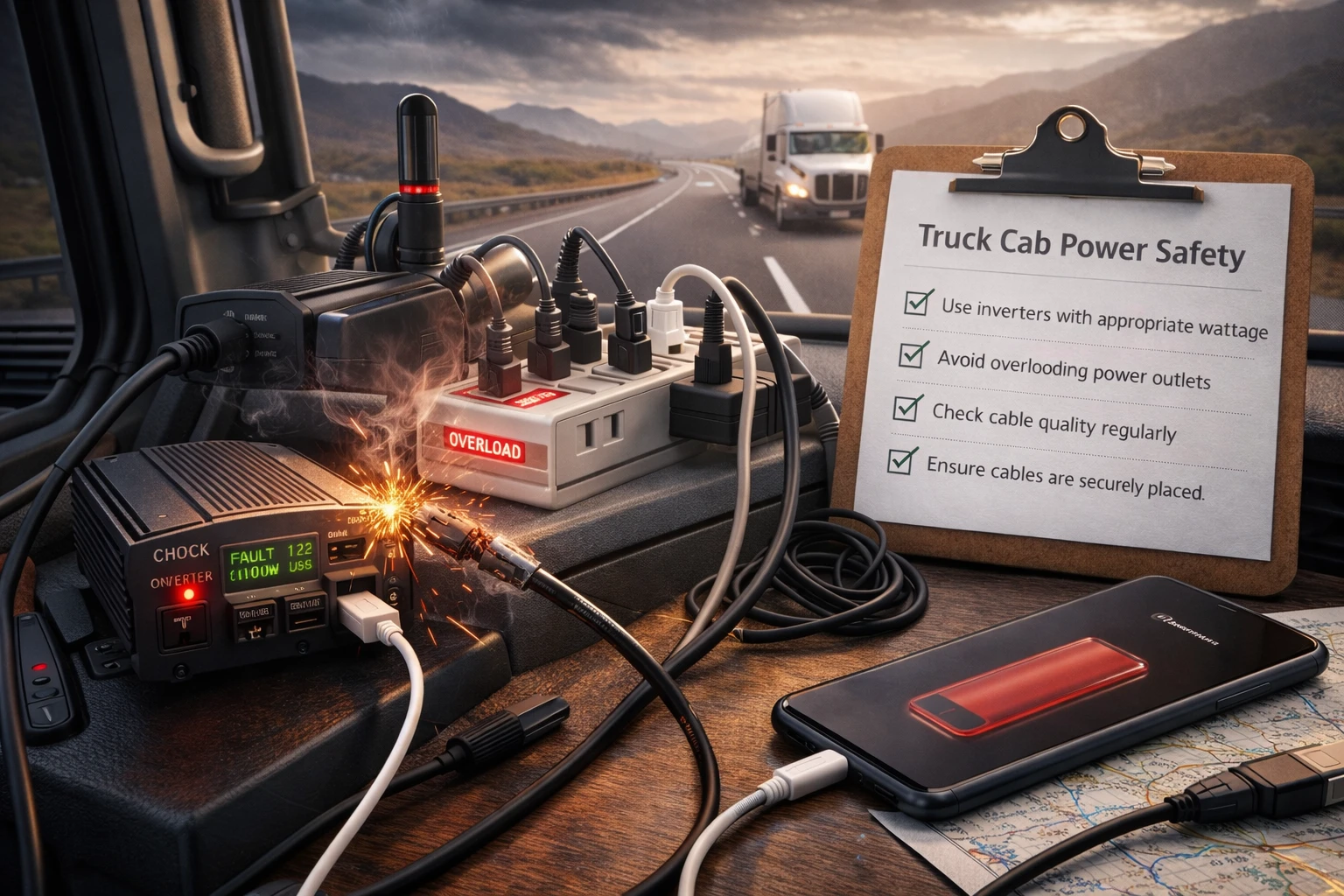
All the connectivity equipment can only be dependable when they are well back by the power system. Power inside the truck cab is equally a matter of security and convenience. Bad inverter, overload outlets, and maybe even cables that are of poor quality can grant the driver the risks of devices being damaged as well as electrical hazards.
The downloadable pack contains truck cab power and inverter safety tips that target the more realistic setups that are used by drivers as opposed to ideal setups. The main focus is on the proper voltage level, wattage restrictions, and redundancy-not maximum output. Charging cables are part of this equation, as worn or low-quality cables often lead to slow charging, intermittent power loss, or unexpected device shutdowns during long shifts.
Charging loses due to faulty cables are common factors leading to connectivity problems, thus cable quality and placement are often issues that drivers do not realize are important.
Offline Maps: The Safety Net Drivers Forget Until They Need It
Navigation apps perform best when they have internet, but a truck driver rarely gets perfect coverage. Offline maps become the most important alternative when data streams are interrupted suddenly which may be caused by bad terrain, rough weather, or congestion.
Drivers are experienced: they do not rely on just one application but rather download a range of outfits that can run offline. The foremost ones are the locally stored maps, the saved routes, the simple screenshots of the essential interchanges. Offline navigation is not about replacing GPS-it is about maintaining situational awareness when updates stop.
Document Organization: Digital Convenience With Physical Backup
The documentation process is the most overwhelming thing about truck driving, especially during inspections or audits. A well-structured document organizer is one that understands that digital access is not guaranteed all the times.
The best systems are the ones which digital redundancy does not detract from the physical organization. They can be stored in a running folder inside the cab, and the scanned copies can be saved locally on the device, which will cloud backup the copies if connectivity allows it. This two-pronged method lessens the risk of loss without complicating matters.
Planning the Journey Without Required Routes
The trip planning in trucks is often narrowed down to route selection, but the real planning is to define fuel timing, rest availability, weather exposure, and connectivity gaps. The trip planning template serves a way for the driver to perceive the journey instead of acting when the moment of need arises.For a broader industry perspective on route structure, freight flow, and planning trends, insights from Intermodal Insider can add useful context.
Example: Trip Planning Overview
| Planning Area | Consideration |
| Route | Primary and backup |
| Fuel | Planned stops |
| Connectivity | Known dead zones |
| Rest | Parking availability |
| Weather | Risk areas |
Taking a structured plan diminishes the number of last-minute decisions which lead to stress and delays.
Top 6 truck driver trip planning tips
Maintenance Logs: A Preventive Tool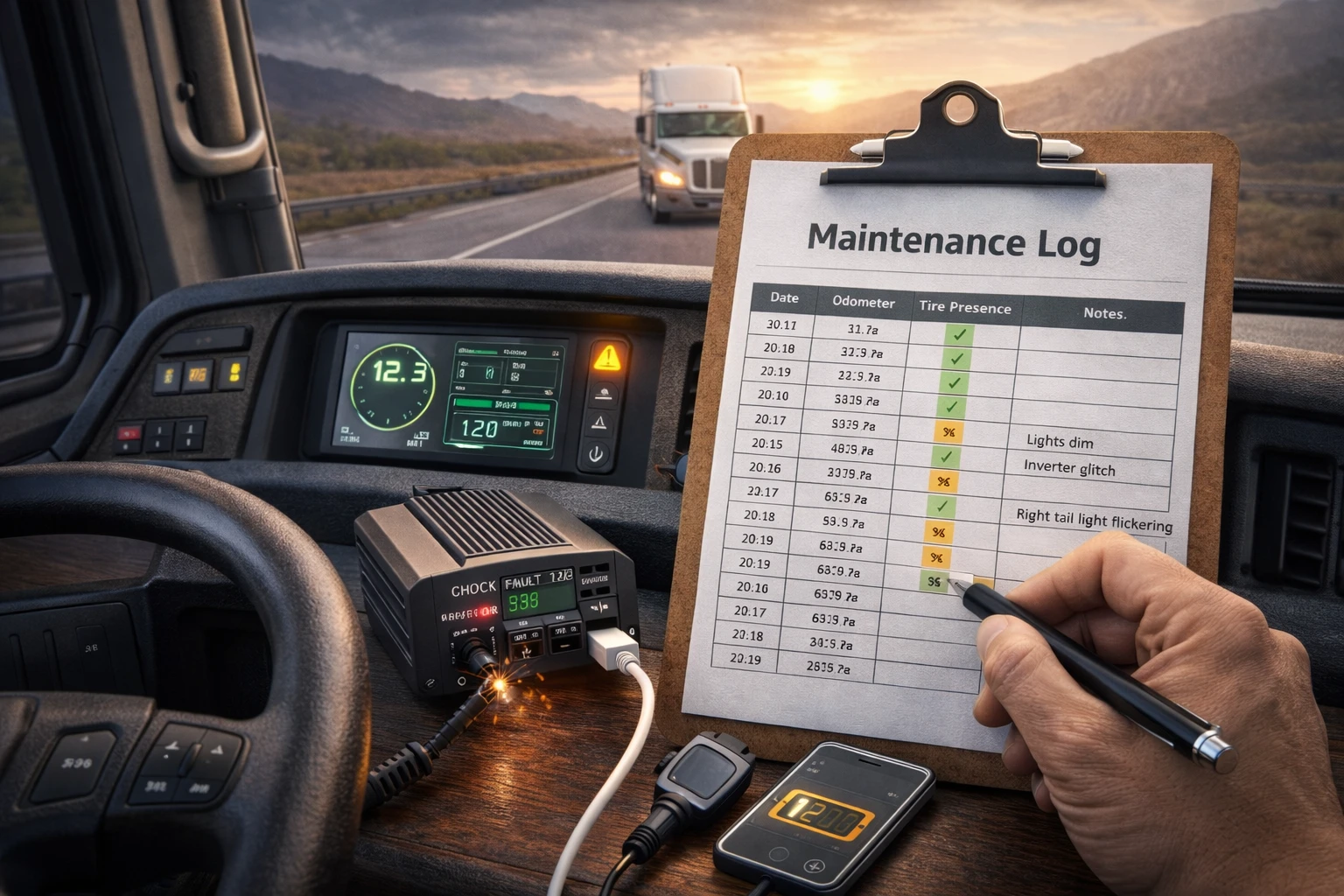
Mechanical issues never start unless they are warned. A simple maintenance log can help the driver detect small shifts to a bigger shift before a problem occurs. This consists of the battery health, the inverter behavior, the lighting performance, and the recurring minor faults.
Logging does not have to be technical; rather the emphasis is on. Consistency rather than depth is the operative word. Patterns will emerge which will enable drivers to make informed decisions regarding repairs and downtime.
ELD Quick Tips for Real-World Situations
Most of the time, ELD systems are reliable but failures happen mostly at the most inconvenient moments. Keeping ELD quick tips offline can come in handy in avoiding compliance issues when devices freeze, disconnect, or lose power.
Quick reference notes about restart procedures for manual logging, and support contacts can cut down the time needed for inspections or roadside checks.
Daily Safety as a System, Not a Checklist
A safety checklist does not need to be long to be effective. What matters is consistency. The readiness that is created by ensuring that the devices are in order, the stability of power systems has been secured and the documents are accessible can help the drivers with cognitive load during long shifts.
In this context, safety means both minimizing distractions and preventing issues which could have been avoided from escalating.
What the Downloadable Pack Includes
The Downloadable Road-Trip Connectivity + Document Pack is designed to be practical and adaptable. It includes printable and digital formats such as PDFs and slides, allowing drivers to use it on phones, tablets, or paper.
The materials cover connectivity setup, document organization, trip planning templates, maintenance tracking, and safety references—without requiring constant updates or subscriptions.
A Final Thought
The truck driving nowadays is so advanced that it requires the drivers to go beyond the traditional driving skills. Connectivity, power management, documentation, and planning now alter the situation on the road every day. When they are proper, and predictable, the drivers not only get convenience but also they get control.
The list of trucking activities that are not put on an additional load is the well-designed trucking checklist. Among those who are drivers in the industry, marginal changes matter because minor disruptions can multiply rapidly.
Mini FAQ
What is in the downloadable checklist and document pack?
The pack has connectivity checklists, power and inverter safety notes, offline navigation references, trip planning templates, document organization tools, maintenance logs, and ELD quick tips. All materials are designed for real-world truck driving situations.
Can the checklist be used without the internet?
Yes. The documents are made available in printable PDF and slide formats which means they are available without the internet after they have been downloaded.
Is this checklist for owner-operators and company drivers only?
Not really. The framework is flexible and it works for both since it discusses common driving scenarios that are not related to specific company rules.
When should the checklist be reviewed?
Most drivers find it practical to check the important sections before taking long trips or when they are changing routes, equipment, or connectivity setups.


